
Even having been around cybersecurity for as long as I have, it’s easy to become complacent about digital privacy. Digital privacy and digital security are often a bit of an afterthought for a lot of people. The amount of information that we all freely give away is truly mind-blowing.
With the increased use of AI and digital assistants like Alexa and Meta AI, I’ve been seeing an increasing number of videos that show just how much of our digital privacy has been surrendered to these tools. Yes, some of what is in these videos is pure paranoia, but other things are legitimate. To combat this, I put together a digital footprint checklist.
Now, coming from a cybersecurity background, the most logical place to start is NIST. NIST is the National Institute of Standards and Technology. You don’t have to know any more about it than that, just know that they provide a lot of standards that are used in enterprise environments. I’ve used my knowledge of NIST frameworks to put together this checklist to help you better safeguard your data and your privacy.
Why the Digital Footprint Checklist Is Important
OK, so I brought up this big fancy thing called NIST and a digital footprint checklist. So what? I bring this up so that you know where my data source is coming from. So that you know I’m not just pulling this out of thin air and saying ‘Hey, this should work!’ Because we all know that privacy based on vibes is so successful, right?
A digital footprint checklist is important because your digital footprint includes every account you’ve ever created. That list is massive and probably contains hundreds of things you’ve long forgotten about. Old email accounts, forgotten forums, weird apps that you signed up for on a whim, even data broker profiles that you never signed up for but are out there because someone sold your data. Our digital footprint is huge, and most of us have never bothered to map it out.
So what does NIST have to do with it? In the enterprise world, all these things I just discussed are risks, and these aren’t things that enterprises will leave to chance. They use structured frameworks to find risks, close the gaps, and prove they are managing them. One of the most widely used ones comes from NIST.
Now since it’s just you and your household, you don’t need to be an expert in cybersecurity or have a huge budget to use the same logic from these NIST frameworks in your own home. This guide walks you through a basic digital footprint checklist that you can run by yourself.
The basics shouldn’t take more than an afternoon, though a thorough first pass can take a weekend. It’s built around the same functions NIST uses for organizations: Govern, Identify, Protect, Detect, Respond, and Recover. There are seven steps in total, because step seven is the one most guides tend to skip: checking your work.
What This Digital Footprint Checklist Borrows From NIST
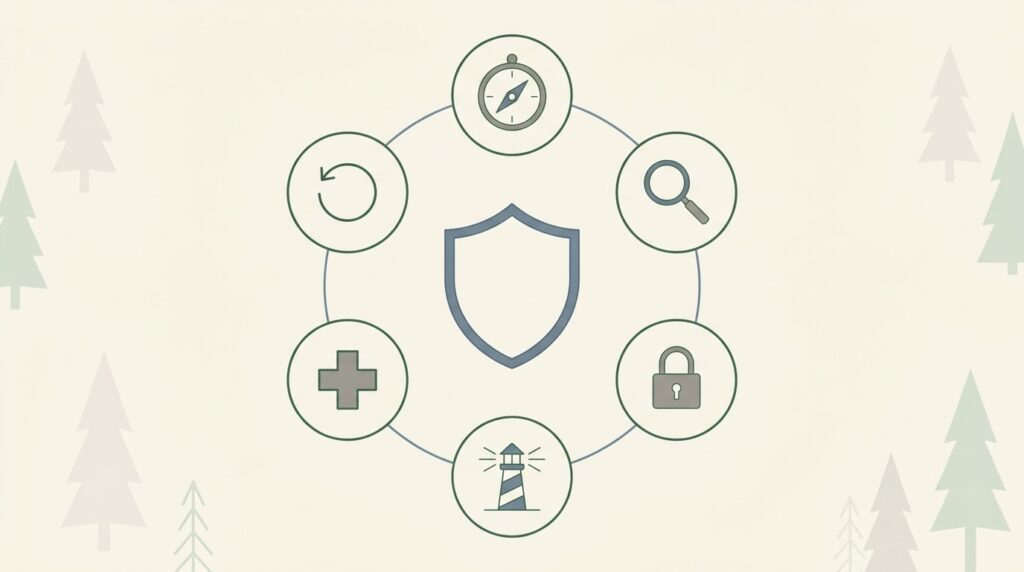
NIST publishes two frameworks that matter here: the NIST Cybersecurity Framework and the NIST Privacy Framework. Neither was written with individuals in mind. They were built for banks, hospitals, and federal agencies that need a common language for managing risk.
Once you take away all the enterprise jargon, you end up with a very simple core set of ideas. You can’t protect what you haven’t identified, and you can’t respond to a problem you’ve never planned for. This digital footprint checklist applies those ideas to your personal accounts, devices, and data trail instead of to a company’s network.
This matters even more for digital minimalists. Digital minimalism is so often framed as decluttering apps and cutting screen time. Your digital footprint is a gigantic part of that clutter that you can’t see. There are accounts sitting dormant, data brokers holding your address, and old email addresses tied to dozens of logins that you’ve long since forgotten existed. Having a framework gives you a way to find that footprint.
Why Borrow a Government Framework for Something Personal
You may find yourself asking, why are we borrowing a government framework for our personal lives? Doesn’t that seem like overkill? Maybe. But there is some logic to this, and a framework makes a digital footprint checklist work better than a generic list of privacy tips. Here are three reasons why:
First, it’s structured. Tips lists give you random actions in a random order. A framework gives you categories so you know what you have covered and what you have not.
Second, it’s repeatable. Repeatability is so important when it comes to your digital footprint. You aren’t doing this once, because your digital footprint is going to change every single time you sign up for something new. A framework is something you can run again year after year.
Third, it scales with how much you care. Someone who just wants a basic digital footprint checklist can stop after step three below. Someone rebuilding their entire privacy posture will want to go through all seven.
The Digital Footprint Checklist: 7 NIST-Inspired Steps
1. Govern: Set Your Own Risk Policy
Policy is the basis of any good framework. If you don’t have good policies in place, you have no foundation to work from. That’s why the very first step in the digital footprint checklist is to set policies before you ever touch anything. This means deciding what you are actually protecting against.
Since we are addressing this at a personal level rather than an enterprise level, this could mean identity theft, stalkers or ex-partners, data brokers, or maybe you are just trying to reduce general clutter.
Write down two or three things you are protecting and why. This will become the filter for every decision after this point. It really helps to home in on exactly what you need to do rather than wasting your time on things that aren’t very high risk.
2. Identify: Inventory Every Account and Device

OK, so remember when I said earlier the basics shouldn’t take more than an afternoon? This is the step that could send you down the rabbit hole and make this whole checklist take longer. For this digital footprint checklist, I encourage you to stick to the basics of doing an inventory of your accounts and devices.
I bring this up because I’ve been on the Internet since the mid 90s. I have an email account that I still use every single day that was created in 1998. If you want to take a guess at how many accounts and logins are tied to just that account since the 90s, your guess is probably going to be low.
For this step, don’t waste your time trying to hunt down every account, forum, and login that you’ve ever been on. There is a time and place for that, but this checklist is not it. My article on how to claw back your privacy after 30 years online is in the works.
I recommend opening a spreadsheet and starting an inventory. Start by opening your password manager and listing every account tied to your primary email. Check Have I Been Pwned for any email address you use regularly. Search your name and old usernames to see what is public.
Note every device connected to your network, every browser extension, and every app with location or camera access. NIST calls this asset management. Which is just a fancy way of saying you are figuring out what exists in your digital world.
This step can take a while, and that’s kind of the point. Most people are going to be able to name five or six accounts off the top of their head, but if you’re only finding five accounts, you have missed the point of this exercise. Search your email for “welcome” and “verify your account.” This tends to turn up thirty or more accounts. Write them all down in one place, even the ones you are certain you can delete. You can’t make a decision on something you forgot existed.
To that end, also don’t super deep dive into this. Trying to hunt down every account and login you’ve ever had can be an exercise in frustration. Try to capture as much as you can in one or two passes, but don’t waste hours and hours trying to find everything. There is a law of diminishing returns, and if you hit that point, you will likely find yourself giving up on this entire process before ever accomplishing your goals.
3. Protect: Lock Down Access and Reduce Exposure
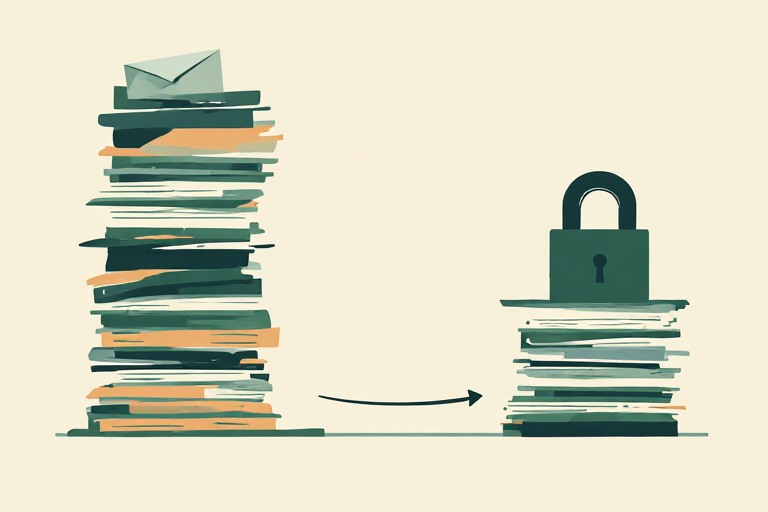
At this stage in the digital footprint checklist, you actually get to start shrinking your footprint. Delete or deactivate accounts you haven’t used in a year or more. Turn on multi-factor authentication everywhere that it is offered. Prioritize your primary email and your password manager first, since those protect everything else.
Opt out of the major data brokers. Review app permissions on your phone, then revoke location and microphone access from anything that does not need it. This step alone removes more risk than everything else in this guide combined.
Work through the list you developed in step 2 of this checklist in order of exposure, not alphabetically. Accounts holding payment information or your Social Security number go first. Dormant social accounts and old shopping accounts go last. They are lower stakes even though they are the most numerous. If you find an account can’t be deleted outright, look for a ‘deactivate’ or ‘anonymize’ option before giving up and leaving it as is.
4. Detect: Watch for Signs Something Is Wrong

After you’ve locked everything down, your digital footprint checklist needs monitoring. Enterprises pay for this, but being a home user, you can cover most of the same ground for free. Set up breach alerts through a service like Have I Been Pwned.
Turn on login notifications for your email, bank, and any account holding payment information. Check your credit through free weekly credit reports from all three bureaus. This isn’t to make you paranoid, but to ensure that you know quickly when something changes rather than finding out months later when it’s too late.
5. Respond: Have a Plan Before You Need One
Write down what you will do if something goes wrong, before it happens. Which accounts get frozen first? Who do you need to call at your bank? Where are your password manager’s recovery codes stored? Also make sure that those recovery codes aren’t in the same place as the passwords themselves.
A response plan that you make during a crisis is far worse than one you write on a calm afternoon. If it turns into identity theft, IdentityTheft.gov walks you through recovery step by step. Keep this plan with your digital footprint checklist so it is easy to find.
6. Recover: Build in a Way Back
Recovery is the step people skip until they need it and can’t find it. Make sure that you have offline backups of anything irreplaceable. This means photos, documents, and an encrypted export of your password manager. Store recovery codes for your important accounts somewhere other than your inbox. A fireproof safe is a good idea. If your phone is your primary authenticator, know what happens if it is lost or stolen so that you know what to do before that day arrives.
7. Review: Reassess Your Digital Footprint Checklist Every Quarter
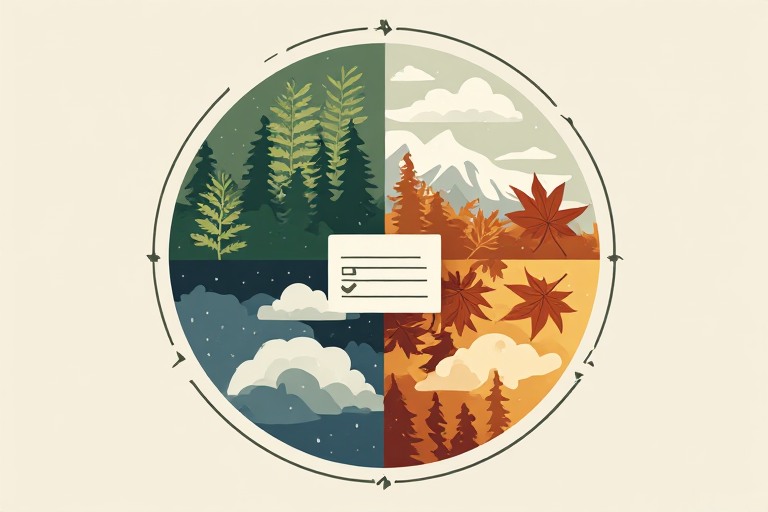
Set a recurring reminder every three months to redo the Identify step. New accounts pile up fast. A subscription that you tried in January is still holding your data in September. Reviewing the digital footprint checklist on a schedule is the difference between a real framework and a one-time cleanup that quietly falls apart over time.
Frequently Asked Questions
Is this the same as the NIST Cybersecurity Framework?
No. This borrows the same functions, but the NIST Cybersecurity Framework and NIST Privacy Framework were built for organizations, not individuals. This digital footprint checklist adapts the structure for personal use.
How long does a digital footprint checklist take?
The basics take an afternoon. A thorough first pass usually takes a weekend. After that, quarterly reviews take under an hour.
Do I need any special tools?
A password manager and a free breach monitoring service cover most of it. Nothing in this digital footprint checklist requires a paid security product.
What if I don’t finish all seven steps?
Do them in order and stop whenever you run out of time. Govern, Identify, and Protect deliver most of the actual risk reduction on their own. Detect, Respond, and Recover matter more once your footprint is already smaller and you are maintaining rather than cleaning up.
Start With Step One
Your digital footprint didn’t build itself in a day, and it won’t shrink in one either. The digital footprint checklist gives you a framework to work from. This is something most privacy advice doesn’t do, because it provides a repeatable structure rather than a one-time scramble.
Start your digital footprint checklist with the Govern step this weekend. Write down what you’re actually protecting against, then work through Identify and Protect while it’s fresh. The rest gets easier once you know what you’re actually protecting. Then it gets easier every time you run through it after that.
If you want to go further, my full personal security audit covers your devices, network, and data too.